How to Install NasaTV
Get started with our service on any of your favorite devices.
Quick Prerequisites
A capable smart device – phone, tablet, Smart TV, Android TV box, Fire TV, MAG, or laptop.
Stable internet – 15 Mb/s for HD, 25 Mb/s for 4K; wired LAN beats Wi‑Fi for big matches.
Your IPTV credentials – the M3U link & username/password we emailed / WhatsApped after checkout.
A player app – NasaTV App on Android or any of the popular IPTV players listed below.
Select Your Device

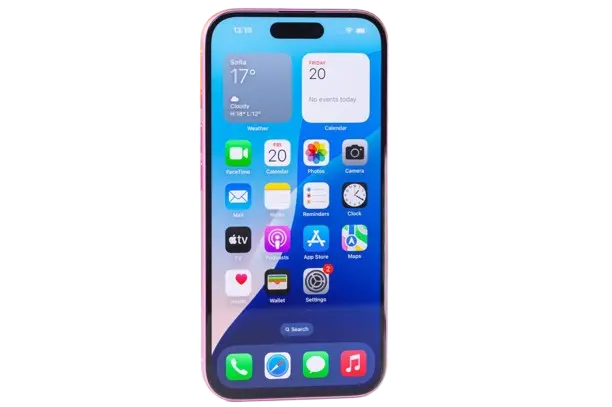
Android Phone / Tablet
Download the NasaTV App: You can find it on our website or request the APK via WhatsApp.
Paste the login info: Enter the username and password we sent you.
Choose a category: Live TV, Movies, or Series and hit play.
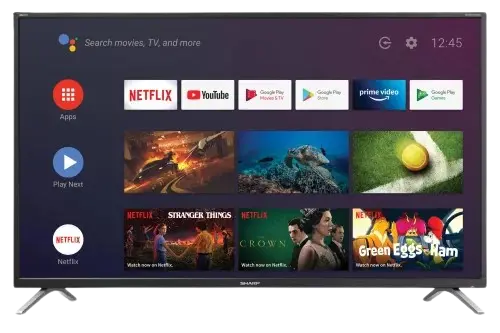
Android Smart TV
Exactly the same as the phone: open Play Store on the TV-> search for Downloader App-> enter code 6184569 → install NasaTV App → paste login details → enjoy.
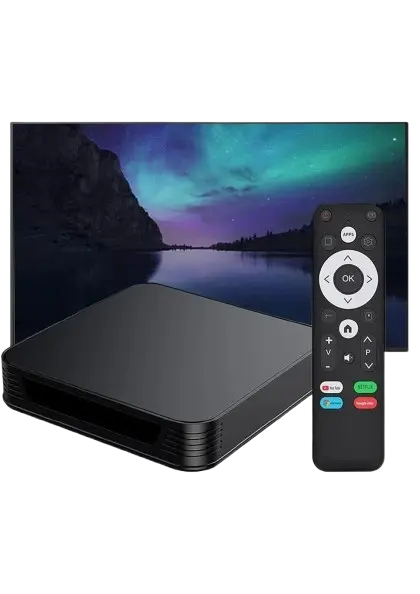
Android TV Box
If your box has no Play Store:
Download the app Downloader from the alternative store.
Enable Install from unknown sources in Settings → Security.
Insert code: 6184569
Insert login info without marking activation code, and enjoy.
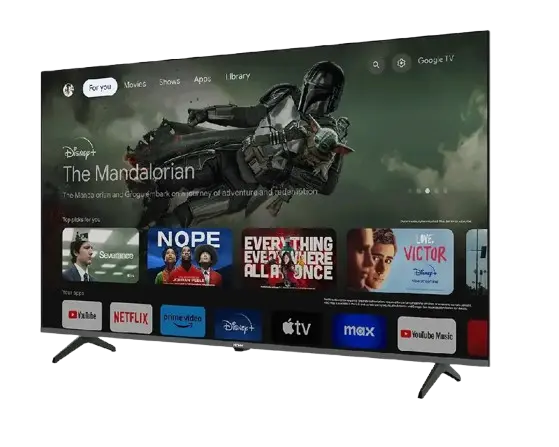
Smart TV (LG / Samsung)
Open the device’s app store, search “Bob Player” (LG) or “Smart IPTV” (Samsung).
Install and note the MAC address shown on first launch.
Visit bobplayer.net, enter the MAC + your M3U link, click Send → Restart the TV app.
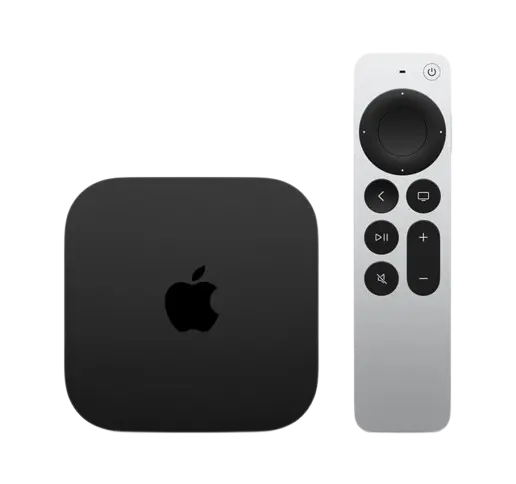
iPhone / iPad / Apple TV
Open the device’s app store, search “Bob Player” or “Smart PLayer Lite”.
Install and note the MAC address shown on first launch.
Visit bobplayer.net, enter the MAC + your M3U link, click Send → Restart the TV app.
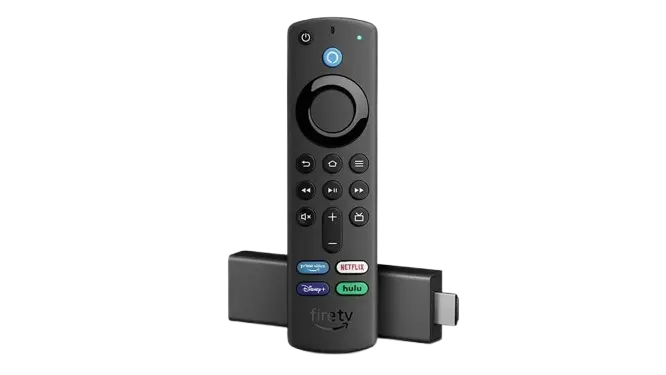
Amazon Fire TV
Download the app Downloader from the alternative store.
Enable Install from unknown sources in Settings → Security.
Insert code: 6184569
Insert login info without marking activation code, and enjoy.
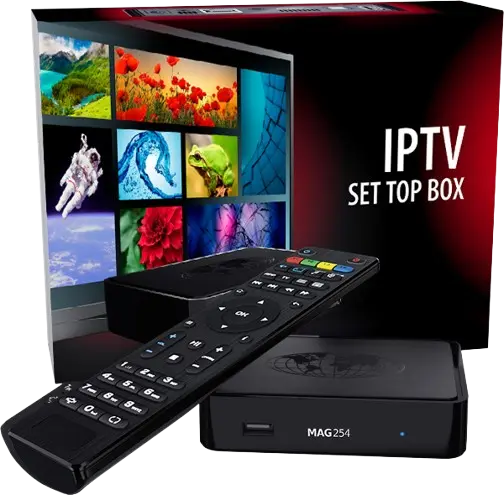
MAG / Xtream Receiver
Go to Settings → Servers → Portals.
Set Portal 1 name = Nasatv and Portal 1 URL = we emailed you (Xtream portal).
Save & reboot; playlist loads automatically.
Contact Support to complete process.